GPS Speedometer
Live speed, average speed, max speed, and trip distance.
Live cockpit telemetry
 Performance
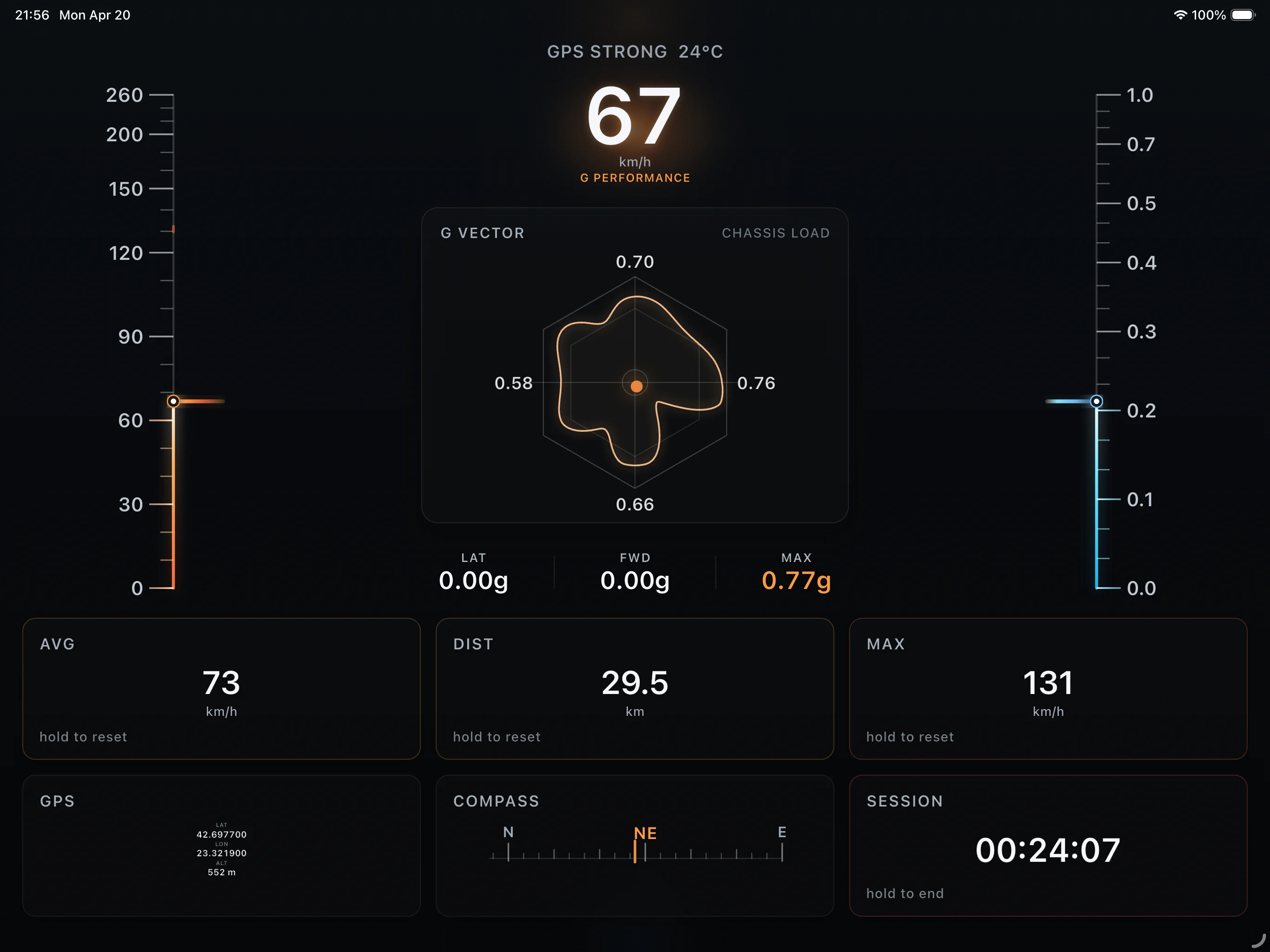
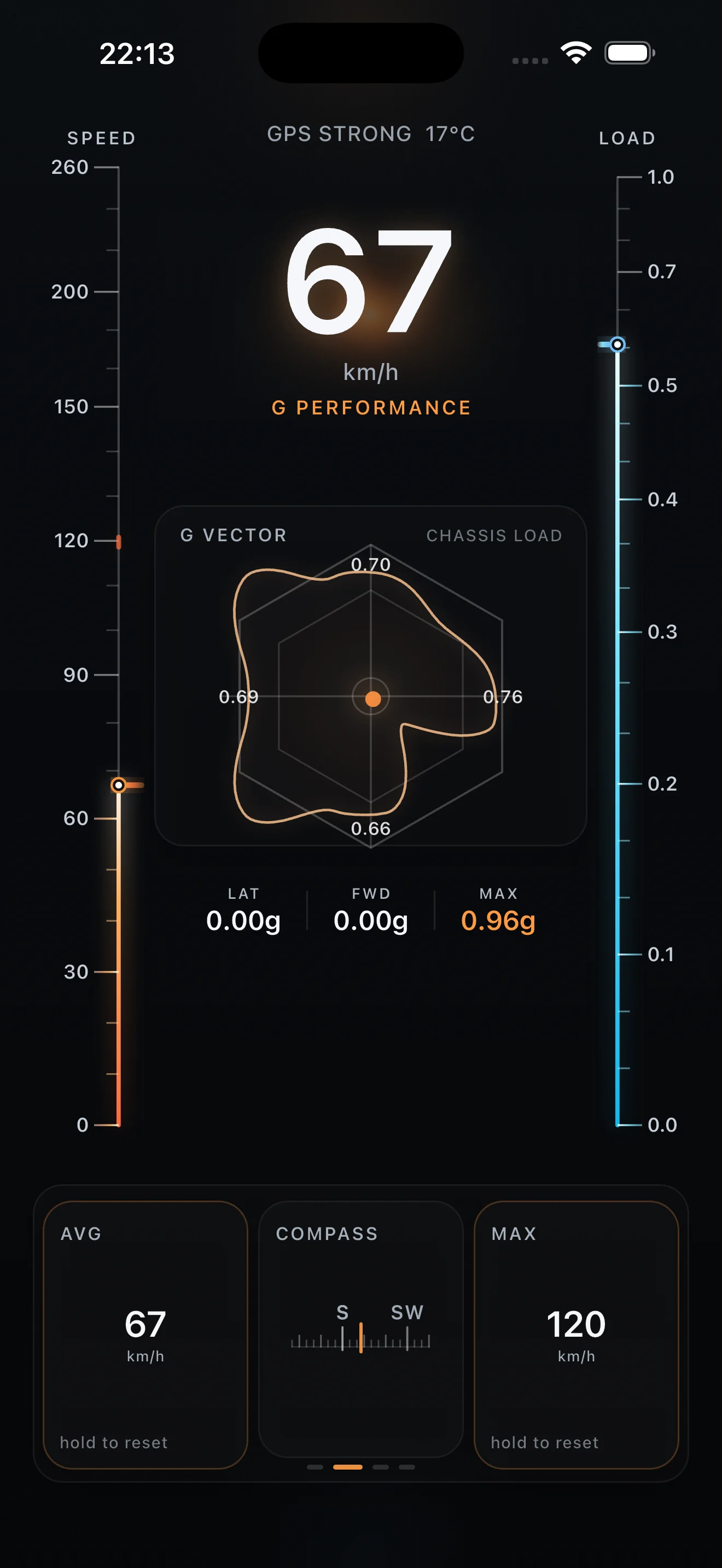
G Performance is a premium GPS speedometer and driving telemetry app for iPhone and Android, combining a live speedometer, G-force meter, compass, GPS coordinates, altitude, and a focused cockpit dashboard.
GPS Speedometer
Live speed, average speed, max speed, and trip distance.
Cockpit Sensors
G-force meter, compass, GPS coordinates, and altitude.
Driving Dashboard
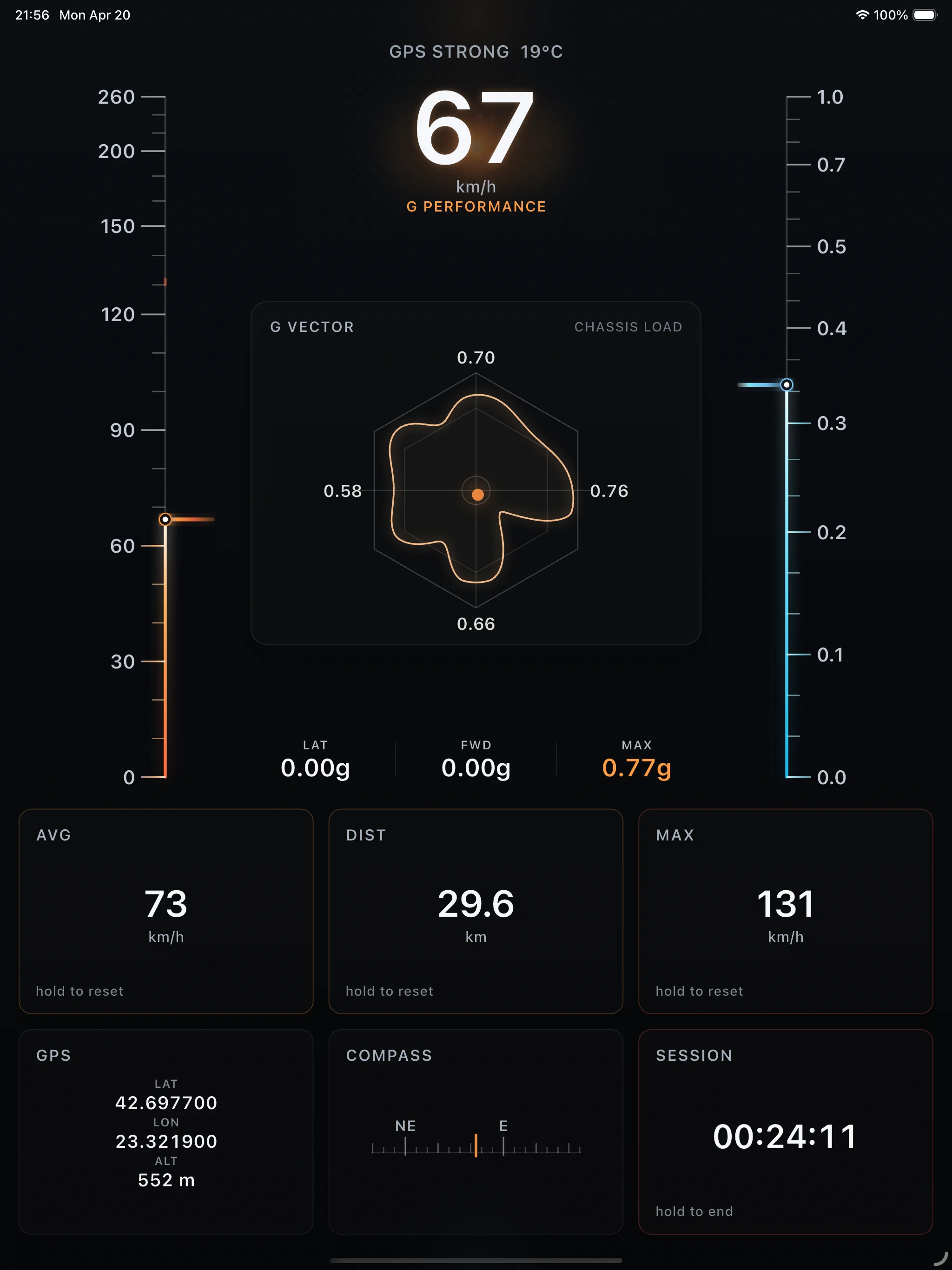
Phone and tablet cockpit layouts for portrait and landscape use.
Key Features
Designed as a premium car dashboard app, G Performance keeps live speed, G meter data, compass readouts, GPS position, and altitude easy to read without clutter.
01
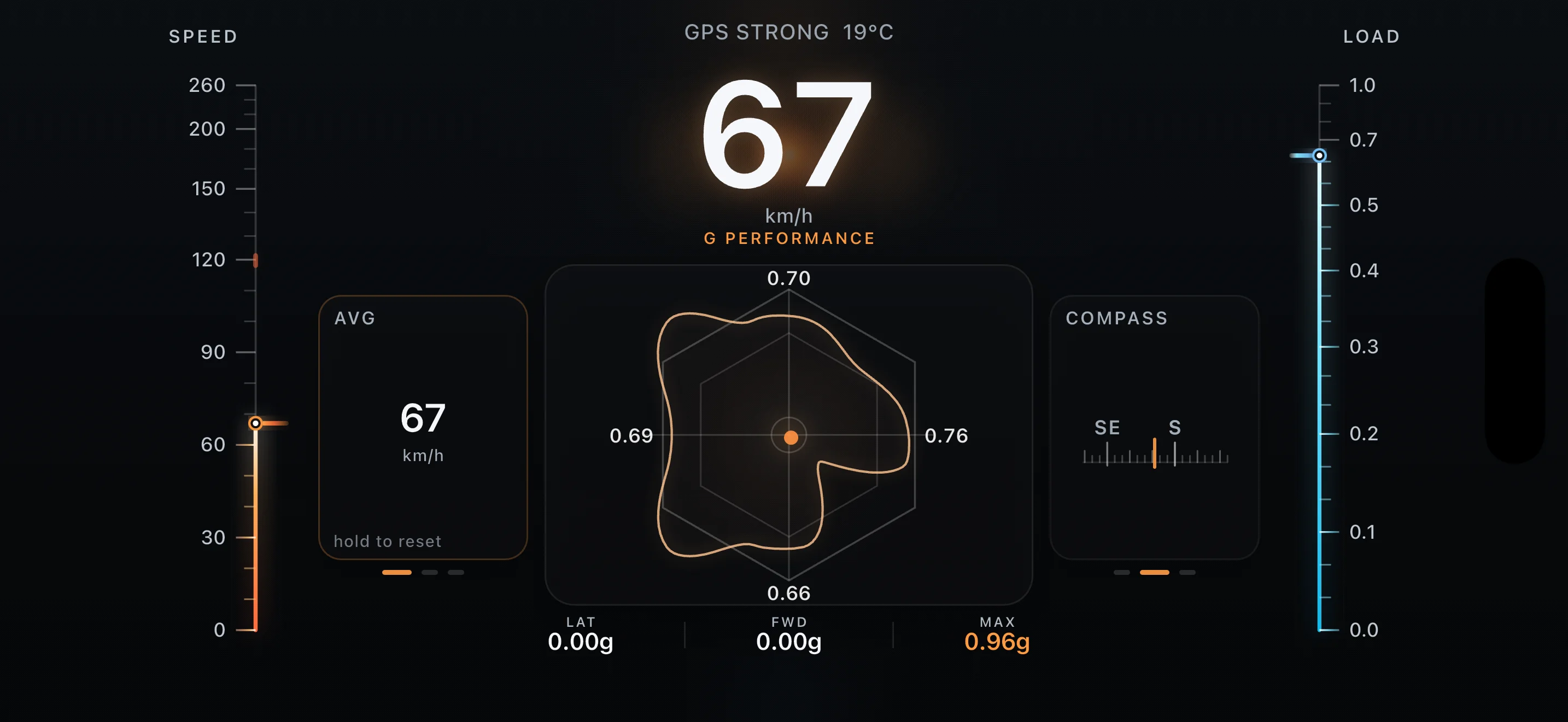
A large live speedometer keeps current speed visible at a glance while preserving the surrounding cockpit telemetry.
02
Track average speed, max speed, and distance in dedicated trip cards designed for driving sessions.
03
Visualize lateral and forward load with a live G meter and G graph while keeping the cockpit layout clean.
04
Surface heading, GPS position, signal status, and altitude in a single compass and telemetry view.
05
Switch between compact portrait and wider landscape cockpit dashboards on phone and tablet.
06
Keep essential speed and driving telemetry available outside the main app interface when Live Activities are supported.
Version 2.0
G Performance 2.0 introduces Route Space, saved routes, GPX import, POIs, 2D and 3D map views, and a more refined cockpit experience.
01
A custom route-space map for recorded drives, with route structure, altitude context, and session statistics in both 2D and 3D.
02
Record live routes, return to saved sessions later, and move route data between devices or workflows.
03
Mark notable points on a route with context that stays attached to the drive.
04
Route mapping is more flexible, with clearer visual context and improved interaction around the active path.
05
The core driving dashboard feels more polished across phone and tablet layouts.
06
Route handling and map state feel steadier throughout longer sessions.
Screenshots
Explore how live speed, G-force, compass data, GPS coordinates, altitude, and trip telemetry fit into each dark cockpit view.
Optional Support
If G Performance has been useful to you, you can support future improvements with a small donation.
Support is fully optional and does not unlock app features.
Crypto
If you prefer to support G Performance with crypto, you can use any of the addresses below.
Bitcoin
bc1qr55efz8hnf855nvagmem4h8sjjkc2275lh3eye
Ethereum
0x87F937213A8DFA9E403877F76F333dE2Da29DA59
Solana
38QnhmPRsvo9niuTnF2GKgVxf9cSUC9gQxTVKvLQhf8n
Doge
DLJPYt8fo96sR8ZrE2yxKAv998KCHzbTwK
Support
Questions about the GPS speedometer app, cockpit telemetry features, privacy, or release support can be sent using the contact details below.